
The printing woes have hit me. I recently printed a couple of photos for my wonderful wife and they printed out “yuck”. The prints are dark and have a reddish tint. *Sigh.
Now, I have a new computer (a Mac Studio, my retirement gift to myself) that is running a new operating system, (welcome Gold Gate), and hadn’t printed anything yet. I bought the computer in large part as part of my process in pursuing my photography hobby. I bought a couple of 5K monitors that are color calibrated. The idea is that the setup allows me to be color accurate in posting and printing. The posting part is cool. The printing part? Not so much.
I checked the printer in Mac System Settings. Everything seemed correct, but, well, the end result tells me something isn’t good. I deleted the printer and reinstalled it. Prints still look muddy, dark and reddish.
Hm. Check again. Reinstall the printer paying attention. The driver seems to be the correct one.

However, double checking the installed printer shows that it is an “AirPrint” driver, not a native print driver.

So, I try the “Use: | Select Software” button.
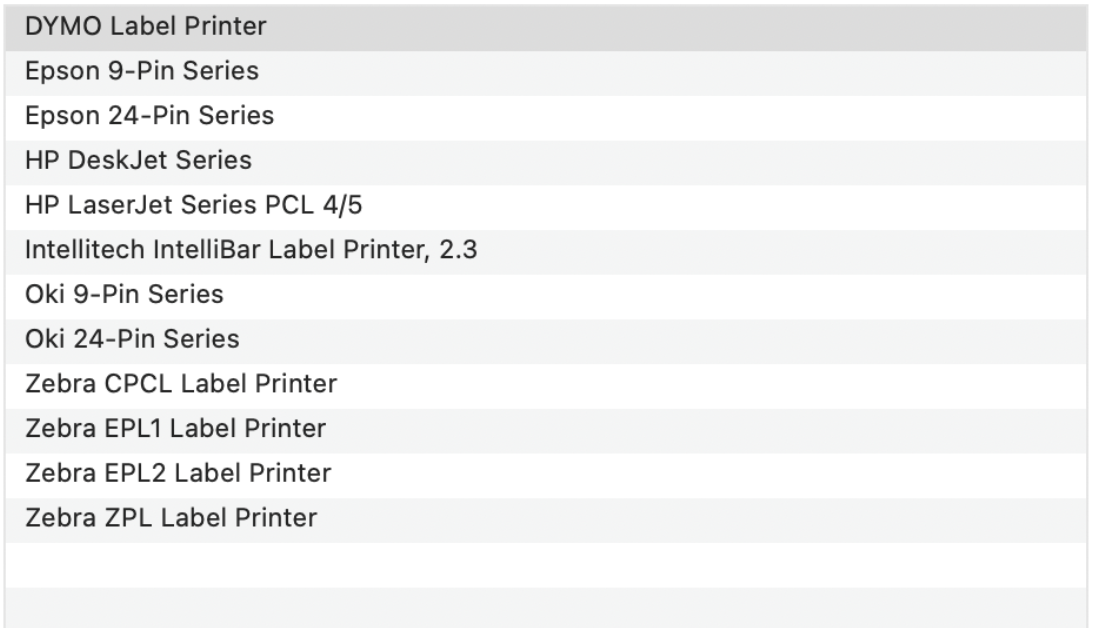
I have a Canon Pixma TR7020a for my printer. So, I checked the Canon Website to see if there are any updates. I downloaded the latest driver, well, actually, I had to download a couple of files. There is the Canon Print file, new as of October 1, 2026, but that isn’t really the driver. There is also a “Setup package”, February 18, 2025.
I posted a discussion topic: PIXMA TR7020a prints come out dark and red since upgrading to macOS Golden Gate over on the Canon Community, but no responses so far.
It seems that Apple has removed lots of the printers and/or made substantial changes to the print infrastructure. I really don’t like that it looks like I’m adding a specific print driver but Apple is changing it to the an AirPrint version. Canon is no longer publishing a CUPS version of the printer. The print menu does not provide a color calibration option.
So, I’m now is a position where I can get my photographs to look good on my screen, and on my photography journey site, but I can’t print them.
 Share this post on social media.



Leave a Reply